
A Home Assistant automation is a rule that waits for something to happen, checks whether the situation is right, and then performs one or more actions. The familiar pattern is trigger → conditions → actions, but a reliable design also needs trustworthy inputs, available devices, manual control, and a known failure state.
This guide focuses on that design method. Moving a routine from a brand’s cloud app to Home Assistant does not automatically make every part local or dependable. The automation engine may run at home while an integration, location update, or device still depends on the internet.
The Core Model: Trigger, Conditions, Actions
Home Assistant’s current documentation defines an automation as at least one trigger and one action, with conditions as optional gates. In the visual editor, these appear as When, And if, and Then do.
- Trigger: the event or change that starts evaluation, such as an entity state change, threshold, time, sunrise or sunset, zone entry, or button event.
- Conditions: checks made after the trigger. If a required condition is false, actions do not run. Use necessary context, not every measurable fact.
- Actions: the sequence attempted after conditions pass: control an entity, activate a scene, call a script, wait, choose a path, or notify.
“The hallway became occupied” is a moment and a useful trigger. “It is after sunset” is a state to check as a condition. A condition becoming true does not normally start an automation unless it is also represented by a trigger.
Understand the Objects Around an Automation
The rule becomes easier to design when each object has one job.
| Object | What it represents | Automation role |
|---|---|---|
| Integration | Connection to a device, service, hub, or platform | Supplies entities, actions, events, and dependencies |
| Device | A physical or logical unit | Groups related functions that may appear as several entities |
| Entity | One control or data point | Supplies a state or accepts an action |
| State/event | What is true now, or something that occurred | Provides evidence or a moment such as a button press |
| Area | A logical room or space | Targets a useful group |
| Scene | A named set of desired states | Applies a repeatable result without trigger logic |
| Script | A reusable action sequence | Avoids duplicated multi-step procedures |
| Helper | A toggle, timer, number, schedule, or stored state | Represents Guest mode, Night mode, a threshold, or override |
Home Assistant’s entity documentation calls entities its basic data and control building blocks. Its scene and script documentation show the boundary: a scene applies target states, a script runs when called, and an automation decides when to act.
Start With the Goal, Not the Sensor
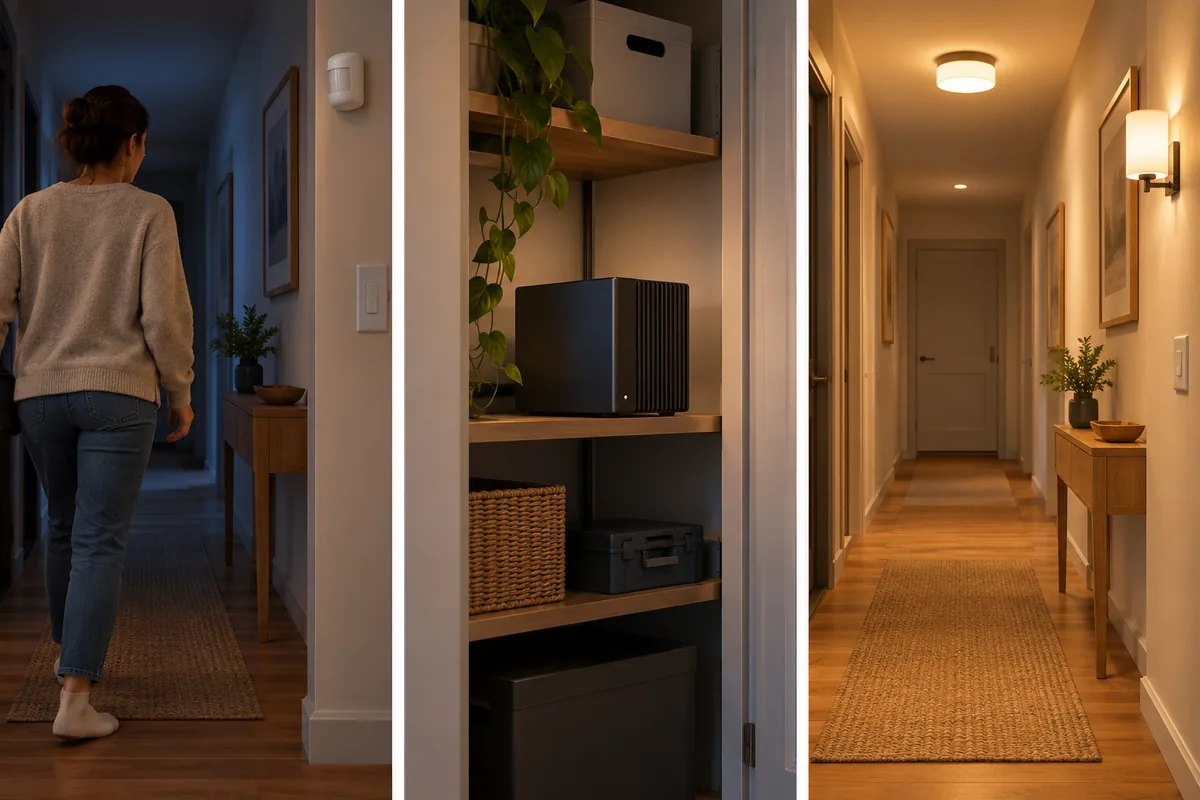
“Automate the motion sensor” is not a goal. “Provide safe path lighting after dark without switching off on a quiet person” is. The second statement gives you something to test and exposes the failure to prevent.
- Define one observable goal. State what should improve and what must not happen.
- Identify the most reliable trigger. Prefer a direct state or event close to the real change.
- Add only necessary conditions. Each extra condition is another reason the action can be skipped.
- Define the smallest safe action. Start with one room, notification, scene, or supported preset.
- Plan the failure state. Decide what happens if input, device, server, or internet is unavailable.
- Test each layer. Test action, conditions, real trigger, and degraded conditions.
- Monitor evidence. Use history, activity, logs, and traces.
- Refine one variable at a time. Change trigger, condition, timing, or action separately.
A Scenario Matrix for Failure-Ready Automations
This is a design worksheet, not copy-and-paste configuration. Exact entities, actions, timing, and safety behavior depend on integrations and version.
| Goal | Trigger | Conditions | Action | Failure/fallback |
|---|---|---|---|---|
| Arrival lighting | First tracked person becomes home | After dark; light available; pause off | Activate entry scene | Keep wall switch; never couple arrival alone to unlocking or garage opening |
| Empty-home routine | Household occupancy becomes empty and remains credible | No guest mode; all people included | Turn off selected nonessential lights and set supported away preset | Notify about open doors; exclude refrigeration, network, safety, medical, and drainage equipment |
| Presence lighting | Room becomes occupied | Low light or night mode; override off | Turn on room scene | Motion can miss a quiet person; make turn-off more conservative than turn-on |
| HVAC comfort | Schedule boundary or verified occupancy change | Valid sensors; supported mode; manual hold off | Apply documented setpoint or preset | Preserve equipment limits and manual hold; never infer safety from one sensor |
| Security awareness | Contact changes while away | Sensor available; household state credible | Notify and identify sensor | Do not trigger access or alarm actions from one ambiguous input |
| Energy saving | Power crosses a useful threshold for a sustained period | Current measurement; noncritical appliance | Notify, log, or update helper | Do not cut power to high-load or essential equipment without model-specific support |
| Night mode | Household button, dashboard, or schedule | Occupancy and override rules satisfied | Call a script with selected scenes | Keep individual controls and make the mode visible |
Location is one possible trigger, not an automation engine or device protocol. The smart home geofencing guide explains phone arrival/departure signals and first-person versus last-person logic.
Choose the Simplest Tool That Keeps the Rule Clear
Use the visual editor for most everyday rules. It exposes the logic path, reduces syntax mistakes, and provides testing controls. A state change, time, sun event, notification, or scene activation rarely needs hand-written YAML.
Add a helper when the household needs visible memory or control. A Toggle can represent Guest mode or a pause, a Timer can hold a reusable countdown, and a Number can store an adjustable threshold. Helpers work well when several rules share one state.
Use a script when several rules need the same action sequence, and a scene for a stable collection of desired states. Consider a template only when native triggers, conditions, groups, or helpers cannot express the decision clearly. Use YAML when it improves reuse, versioning, or configuration the UI does not expose. Complexity should earn its place. If another resident cannot explain what starts a rule, what blocks it, and how to stop it, simplify the design.
Local Execution Does Not Remove Every Dependency
Home Assistant can evaluate an automation on the system in your home, but every input and action still travels through an integration. Official developer documentation classifies integrations as local push, local polling, cloud push, cloud polling, calculated, or assumed state. Cloud classes require an active internet connection; polling may notice changes later than push.
Test “local automation” as a complete chain:
sensor or service → integration → entity state/event → automation → action → integration → device confirmation
A path survives an internet outage only when its integration and controller are local. A Wi-Fi label does not prove local control, and a local rule cannot make a cloud-only device local. Matter is an application-layer interoperability standard; Thread, Zigbee, Z-Wave, Wi-Fi, and Bluetooth serve communication roles. The Matter device buying guide and Zigbee, Z-Wave, and Wi-Fi comparison explain those layers.
Design for Availability, False Triggers, and Multiple Users
Do not treat unknown, unavailable, stale data, and a confirmed negative state as interchangeable. An unavailable door sensor has not proved the door is closed, and a silent tracker has not proved someone left. Require positive evidence and choose a harmless result when it is missing.
Presence is household policy as much as sensor data. Define who counts, how guests are represented, and whether a phone left at home can create false occupancy. Arrival lighting may use the first person home; an away routine needs credible evidence that everyone left. Combine only signals you can observe and test.
Home Assistant’s automation modes decide whether a new trigger is ignored, restarts the sequence, waits in a queue, or runs in parallel while a previous run is active. The default single mode suits many short routines. Change it only for a defined overlap problem.
Preserve Manual Control and Prevent Automation Conflicts
A good routine yields when a person takes control. A visible helper can pause one room or function until manual resume, vacancy, or the next named schedule period. Avoid a hidden whole-home override that disables unrelated alerts.
List every system that controls the same entity. Two correct rules can fight if Home Assistant, a vendor app, another ecosystem, or the device’s schedule owns the same outcome. Choose one automation owner and narrow duplicates without removing manual or safety controls.
Test the Real Chain, Then Read the Trace
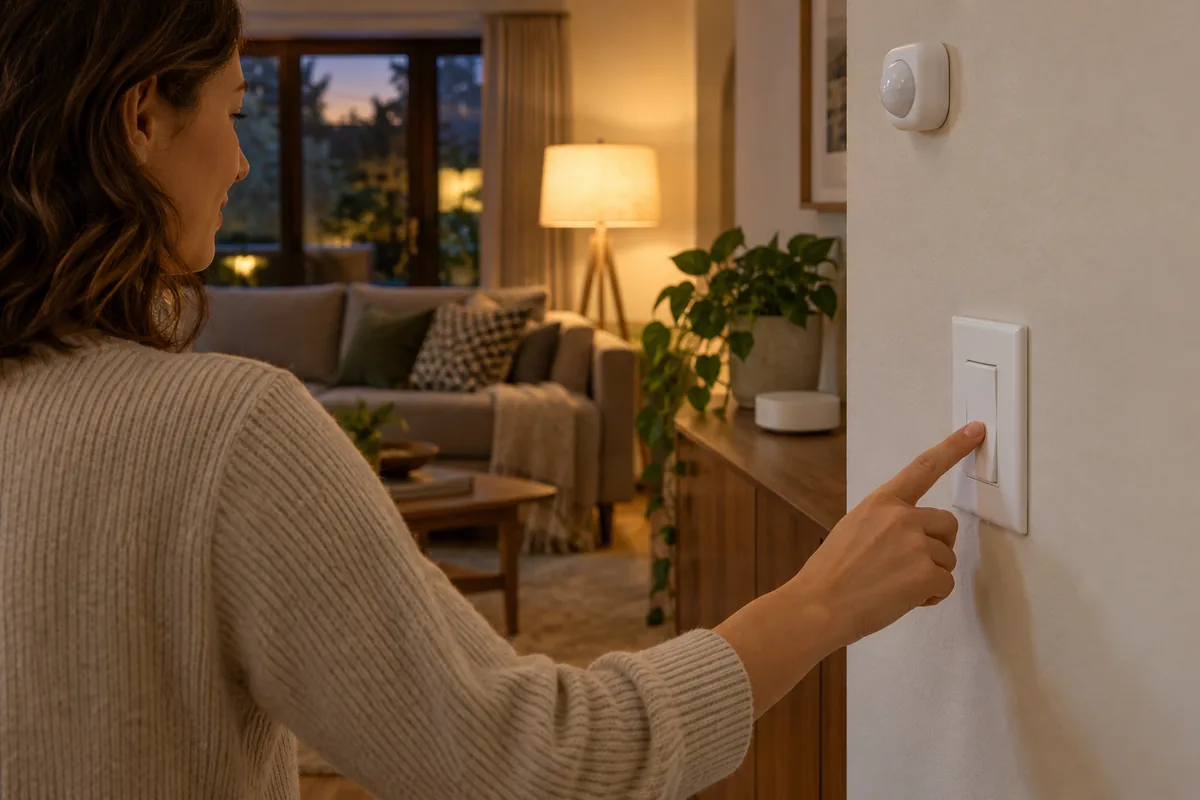
Home Assistant’s current testing and troubleshooting guide distinguishes several tests. Run actions skips triggers and conditions, so it proves only that the action sequence can run. Test conditions individually, then cause the real sensor, time, presence, or event trigger. After a run, inspect its Trace to see the path, checked conditions, action results, and timing.
Before expanding a routine, test the expected trigger with all conditions true and with one intentionally false; the target device unavailable; important input unknown; override active; a safe restart or integration reload; internet unavailable where cloud dependencies exist; a second household member arriving or leaving; and a repeated trigger while the first run remains active.
Record the intended result for each test. Reliability is not “it worked once”; it is predictable behavior across ordinary failures and clear evidence when it does not run.
Apply a Higher Bar to Safety-Critical Actions
For locks, garage doors, alarms, heating, water controls, and high-power appliances, do not let a single location, motion, power, or availability signal directly authorize a consequential action. Prefer notification, confirmation, redundant evidence, and safeguards documented for the exact integration and equipment. Preserve a physical key, wall control, thermostat, manufacturer protection, or other recovery path.
Home Assistant should coordinate supported controls, not replace electrical protection, equipment interlocks, access authentication, or professional installation requirements. Start with lighting, notifications, scenes, and noncritical comfort adjustments; move to higher-consequence systems only after inputs, integration behavior, failure states, and fallback controls have been verified.
Bottom Line
Reliable Home Assistant automation begins with a clear goal and a small trigger → conditions → actions rule. Helpers store intent, scenes define outcomes, and scripts reuse sequences. Templates and YAML are tools for justified complexity, not requirements.
Before scaling, write the failure state, preserve manual control, test the real trigger, inspect traces, and confirm each integration’s dependency. Build one understandable low-risk routine, monitor it, and reuse the design method—not the exact configuration.
Match Trigger Type to the Real-World Change
State triggers are usually best when an entity moving from one known state to another is the fact that matters. Time and schedule triggers suit routines tied to a clock, while sun triggers follow local sunrise or sunset and can use an offset. Location triggers can represent a person entering or leaving a zone, but mobile background permissions, operating-system restrictions, network access, and delayed updates affect reliability. Events are useful for momentary occurrences such as a button press that do not have a lasting state.
Avoid substituting a convenient signal for the outcome you actually need. A motion event shows movement, not continuing occupancy; a phone leaving a zone suggests departure, not necessarily an empty household; and a time trigger says the clock reached a point, not that anyone is ready for the routine. When evidence is indirect, use conditions, a delay that can be safely canceled, or a notification before acting. Test daylight-saving changes, restart behavior, unavailable sensors, and the boundary cases around sunrise, sunset, and zones. These checks turn a demo into a routine that remains understandable.
Sources
- Understanding automations
- Automation triggers
- Entities and domains
- Script syntax
- Scenes
- Automation modes
- Testing and troubleshooting
- Integration manifest and IoT classes