
Matter vs Thread is not a contest between two rival wireless systems. Matter is an application-layer standard: it defines how compatible smart-home devices describe themselves, exchange commands, and work across platforms. Thread is a low-power IPv6 mesh network: it moves data between suitable devices and the rest of the home network.
A product can use Matter over Thread, Matter over Wi-Fi, or Matter over Ethernet. A Thread device does not have to use Matter. The useful buying question is therefore not “Matter or Thread?” but “Which standard does the device speak, which network carries it, and do I already own the required controller and network infrastructure?”
Quick answer: Matter supplies shared device meaning and control; Thread supplies one possible low-power network path. Matter-over-Thread products need a Matter controller and access to a Thread Border Router. Matter-over-Wi-Fi products need a Matter controller and Wi-Fi, but no Thread Border Router. One speaker, display, router, or hub may perform several roles, so verify the exact model rather than trusting the word “hub.”

The Four-Layer Model That Clears Up the Confusion
Retail packaging compresses several technical jobs into a few logos. Separating those jobs makes compatibility much easier to reason about.
| Layer or role | What it answers | Typical example | What it does not prove |
|---|---|---|---|
| Application standard | “What does this device mean, and which standard commands can control it?” | Matter | Which radio the product uses |
| Network transport | “How do IP packets move?” | Thread, Wi-Fi, Ethernet | Which ecosystem controls the device |
| Matter controller | “Which platform commissions and operates this device?” | A compatible platform hub, speaker, display, phone, or server | That Thread radio and border routing are included |
| Network infrastructure | “How does this transport reach the rest of the home network?” | Wi-Fi access point or Thread Border Router | That the device is a Matter controller |
This model explains why two products bearing the Matter logo may have different setup requirements. A mains-powered plug might use Matter over Wi-Fi. A battery contact sensor might use Matter over Thread. They can appear in the same app and expose similar standardized controls, while their packets take different routes.
If you are comparing older radio systems too, the site’s Zigbee, Z-Wave, and Wi-Fi comparison explains why those labels should also be separated from the application features you see in an app.
What Matter Standardizes
Matter gives participating products a common IP-based application framework. It standardizes concepts such as device types, commands, attributes, events, secure commissioning, and access between trusted nodes. In practical terms, a controller can recognize that a device is a light, lock, thermostat, or sensor and expose the controls supported by both the standard and that platform.
The Connectivity Standards Alliance’s Matter FAQ says Matter uses Bluetooth Low Energy for setup and Wi-Fi, Thread, or Ethernet for device connectivity. That distinction matters: Bluetooth normally helps a phone discover and onboard a new device; it is not necessarily the day-to-day route for commands after setup.
Matter also supports multi-admin. A device can be commissioned into more than one platform’s trusted domain, called a fabric. That may let different household members use different compatible ecosystems. It does not guarantee that every platform exposes every feature. Standard functions may travel across platforms while a manufacturer’s advanced scenes, history, diagnostics, firmware tools, or subscription services remain in its own app.
Matter also does not replace the home platform. You still choose an ecosystem and controller to organize rooms, automations, accounts, and remote access.
What Thread Provides
Thread is a low-power, IPv6-based wireless mesh designed for connected devices. Mains-powered Thread devices can help relay traffic, while battery devices can use sleep-friendly roles. This makes Thread a plausible transport for sensors, buttons, shades, locks, and other products that send relatively small amounts of data.
“IPv6-based” is more than a specification-sheet phrase. Thread and the household’s Wi-Fi or Ethernet are different physical networks, but they carry IP traffic. A Thread Border Router can route packets between them without translating the application message into a proprietary protocol.
The Thread Group’s border-router explanation makes this boundary explicit: a border router forwards messages between networks; it does not need to read or rewrite their application content. OpenThread’s documentation also lists bidirectional IP connectivity and service discovery among a Border Router’s core functions.
Thread is not “Matter radio.” Other application layers can operate over Thread, and Matter can operate without Thread. Thread also does not make a device high-bandwidth; cameras and media devices have very different traffic needs from contact sensors.
Follow One Matter-over-Thread Device From Box to App
Consider a generic Matter-over-Thread contact sensor. Its setup journey uses several components, each doing one job.
- Discovery and proof of possession. You power the sensor, open a compatible platform app, and scan its Matter setup code. Bluetooth Low Energy commonly lets the phone discover the nearby uncommissioned device. The code helps establish that you possess the device; it is not a Wi-Fi password.
- Commissioning to a fabric. The commissioner verifies device information, establishes secure credentials, and adds the sensor to the platform’s Matter fabric. In Matter terminology, commissioning is the assignment of the credentials that let nodes trust and communicate with one another.
- Joining the operational network. Because this product uses Thread, it receives the information needed to join a Thread network. A Matter-over-Wi-Fi device would instead join Wi-Fi; an Ethernet device is already attached to its operational network.
- Normal operation. The sensor reports state over Thread. A Border Router routes its IPv6 packets to the wider home IP network. The Matter controller and authorized Matter nodes interpret the standardized application data.
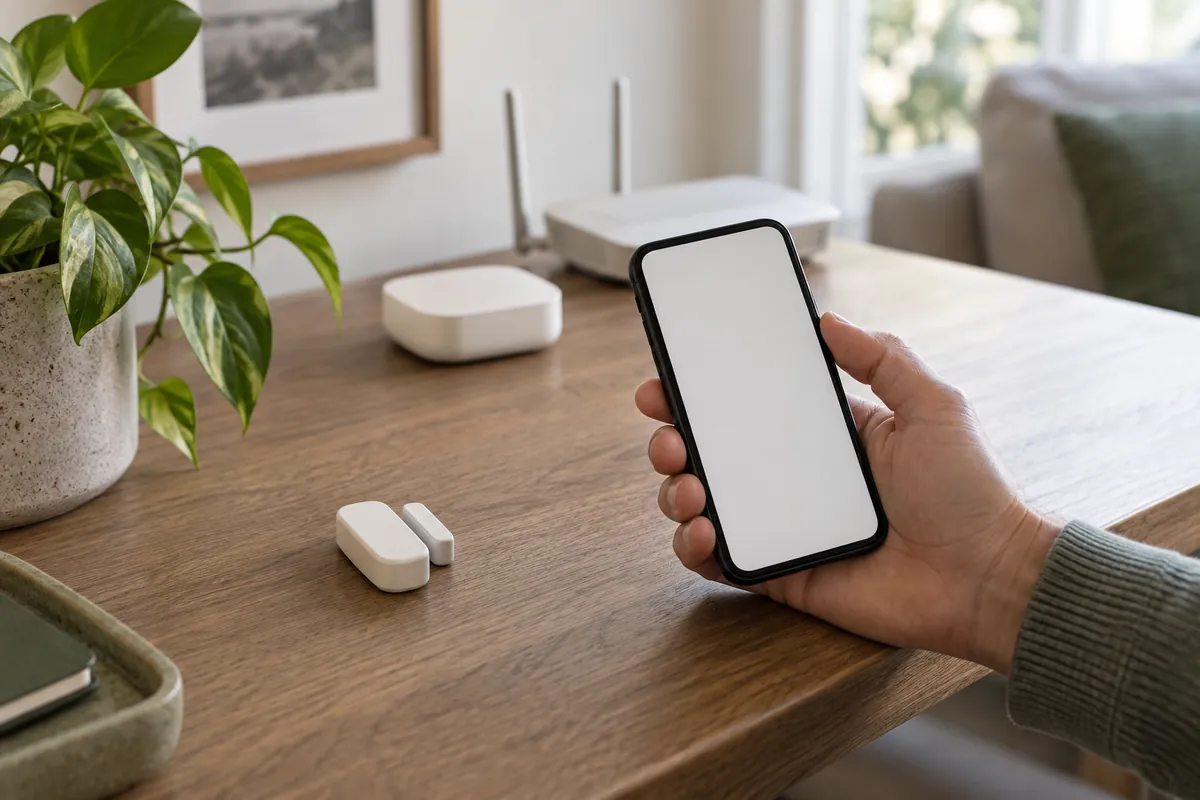
The key transition is easy to miss: Bluetooth may open the door during onboarding, then leave the normal control path. If pairing works beside the controller but the sensor later becomes unreliable in its final room, the missing clue may be Thread coverage—not Bluetooth and not the Matter data model.
Matter Controller vs Thread Border Router vs Bridge
These three roles are often bundled into one physical product, but they are not synonyms.
| Role | Core job | Needed when | Common misunderstanding |
|---|---|---|---|
| Matter controller | Commissions, controls, and automates Matter nodes within a platform | For Matter devices in that platform | “Any Matter-labelled hub is my preferred platform’s controller” |
| Thread Border Router | Routes IP traffic between a Thread mesh and Wi-Fi/Ethernet infrastructure | For Thread devices that must reach the wider home network | “It translates Thread commands into Matter” |
| Matter bridge | Represents compatible non-Matter devices, such as selected Zigbee products, to a Matter fabric | When a manufacturer supports that bridge path | “A border router automatically converts every legacy device” |
A product may perform one, two, or all three roles. The enclosure tells you nothing; the current specification for the exact model does. This is why “Do I need a hub?” produces poor answers. “Which role is missing?” is the better question.
The Thread Group’s multiple-network guidance notes that homes may contain multiple Border Routers and even multiple Thread networks. Whether devices share one mesh depends on credential sharing, while the Matter fabric is a separate trust concept. Do not treat “same Thread network” and “same Matter ecosystem” as interchangeable statements.
Matter Over Thread vs Matter Over Wi-Fi
Neither transport is universally better. The device’s power source, traffic pattern, location, and existing infrastructure should decide.
| Decision point | Matter over Thread | Matter over Wi-Fi |
|---|---|---|
| Typical fit | Low-data devices, including many battery sensors and controls | Mains-powered devices and products with greater data needs |
| Required network component | Thread Border Router | Wi-Fi access point/router |
| Matter requirement | Compatible Matter controller | Compatible Matter controller |
| Home-network impact | Uses a separate low-power mesh, then routes into the IP network | Joins the existing Wi-Fi network directly |
| Purchase check | Confirm “Matter over Thread” and an active Border Router | Confirm supported Wi-Fi band, security mode, and router coverage |
For lighting, the transport label still does not settle the whole architecture. A few direct-connected bulbs and a whole-home lighting plan have different control and resilience needs. The site’s guide to smart bulbs with Wi-Fi covers fixture fit, wall-switch behavior, and one-room testing that protocol logos cannot answer.
Local Control Does Not Mean “No Internet Ever”
Matter provides a local connectivity path for core interactions, so a compatible controller can communicate with devices on the home network without sending every command through a manufacturer cloud. That is valuable, but it should not be stretched into a universal offline guarantee.
The CSA explains that away-from-home control of a Matter-only device needs an internet-connected controller in the home. Platform apps, voice services, notifications, vendor-only features, software downloads, and account recovery may also involve internet services. A device maker may retain its own cloud connection alongside Matter.
Test the state you actually care about. Disconnect the broadband connection without turning off the router, then try local controls and automations from inside the home. Reconnect it and test remote access separately. Record which functions survive. That result belongs to your exact controller, platform, device firmware, and automation design—not to the Matter logo alone.
Use the Four-Label Purchase Audit
Before adding a product, find four separate answers in the manufacturer’s current documentation:
- Application label: Is this a native Matter device, a device exposed through a Matter bridge, or merely compatible with one vendor’s platform?
- Transport label: Does the exact model use Thread, Wi-Fi, or Ethernet for normal operation?
- Controller label: Which of your chosen platforms can commission and control this device, and which functions do they expose?
- Infrastructure label: If it uses Thread, do you own an enabled Thread Border Router? If it uses Wi-Fi, does the router support the required band and security settings where the device will live?
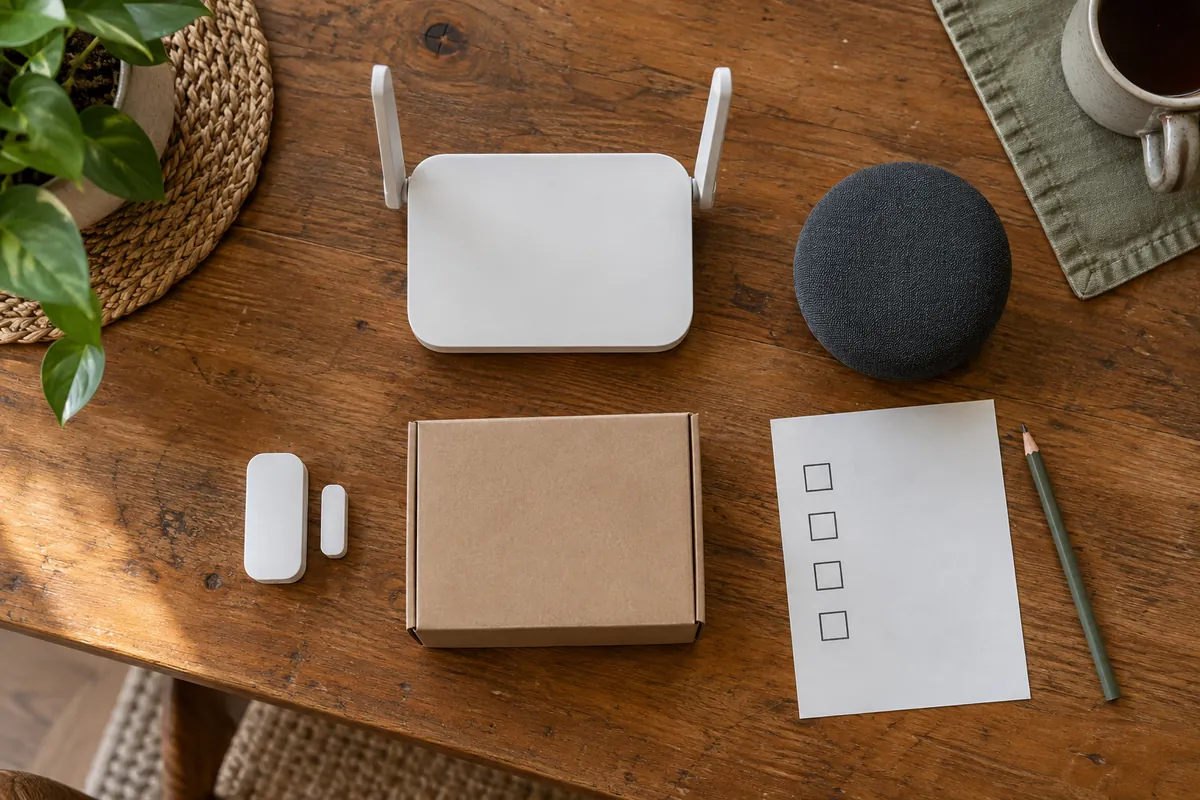
This audit produces a useful outcome: proceed with existing equipment, add one missing role, choose the other transport, or reject an ambiguous listing. It is more reliable than buying another generic “smart hub.” Its limitation is freshness: platform support and firmware can change, so verify the exact regional model immediately before purchase.
For a broader room-by-room plan, use the site’s best smart-home devices guide after you identify the household problem worth solving.
Common Matter vs Thread Mistakes
“Thread devices are automatically Matter devices.” No. Thread carries IP traffic and can support different application layers. Look for both the application and transport labels.
“Every Matter device needs a Thread Border Router.” No. Only Matter-over-Thread products use Thread infrastructure. Matter-over-Wi-Fi and Matter-over-Ethernet products take other paths.
“A Border Router is a special protocol translator.” Not in the way a legacy bridge translates between application protocols. It routes IP traffic between Thread and the rest of the IP network.
“Multi-admin duplicates every feature.” It shares authorized Matter access across fabrics. Platform interfaces and vendor-specific capabilities can still differ.
“The Matter logo guarantees perfect compatibility forever.” Certification establishes conformance to defined requirements, not identical apps, perpetual updates, flawless radio coverage, or support for every optional feature.
Frequently Asked Questions
Do I need both Matter and Thread?
Not always. You need Matter if you want a Matter device’s standardized application compatibility. You need Thread infrastructure only when that device uses Thread. A Matter-over-Wi-Fi product uses Matter without Thread.
Can Matter work when the internet is down?
Core local control can work over the home network, but the exact result depends on the controller, automation design, and feature. Remote access and cloud-dependent extras require internet connectivity. Test local and remote functions separately.
Is a Matter controller the same as a Thread Border Router?
No. The controller manages Matter commissioning and control; the Border Router connects the Thread mesh to other IP networks. One physical product may include both roles, which is why the terms are often confused.
Should I replace existing Zigbee or Z-Wave devices?
Not solely to obtain Matter or Thread. A supported Matter bridge may expose selected existing devices to a Matter platform, while a mature legacy installation may already meet your needs. Replace equipment for a defined compatibility, reliability, security-support, or feature reason—not for a logo.
Bottom Line
The clean answer to Matter vs Thread is a stack, not a winner. Matter defines interoperable smart-home meaning and secure control. Thread provides one low-power IPv6 mesh that can carry those Matter messages. The controller, Border Router, and bridge are separate roles even when one box contains them all.
Read four labels before buying: application, transport, controller compatibility, and required infrastructure. Once those answers align, “Matter over Thread” stops being marketing shorthand and becomes a specific, checkable architecture.
Sources
- Connectivity Standards Alliance — Matter FAQ
- OpenThread — Border Router overview
- Thread Group — Thread Grows Your Home’s Capabilities, Not Its Clutter
- Thread Group — Multiple Thread Networks and the Seamless Interconnectivity of IP