
The best smart thermostat for a home works with the heating and cooling equipment, fits the household’s routine, remains usable without constant phone access, and has a support policy that matches the life of the system.
Homes across English-speaking markets use different equipment, from forced-air systems and boilers to reverse-cycle units, electric heating, heat pumps, and multi-zone controls. Start with compatibility, then compare convenience and energy features.
Quick answer: Choose a smart thermostat only after it passes four gates: equipment compatibility, a safe power and installation path, useful control for the people in the home, and acceptable software, privacy, and support terms. A cheaper compatible model is better than a premium device that cannot control the system correctly.
The Best Smart Thermostat Is a Fit, Not a Universal Winner
“Best” changes with the system and the household.
| Household need | Best thermostat profile | What to verify first | Feature that may be unnecessary |
|---|---|---|---|
| Predictable weekday routine | Clear scheduling with simple manual override | Equipment and wiring compatibility | Complex learning automation |
| Irregular working hours | Occupancy or location-aware control | How presence is detected and shared | Fixed weekly schedules alone |
| Hot and cold rooms | Remote room sensors or true zoning support | Whether sensors control equipment or only display temperature | A larger wall display |
| Boiler and radiator home | Boiler-compatible controller, possibly with radiator zones | Boiler type, hot-water control, valves, and local installer support | Features designed only for forced-air HVAC |
| Heat-pump home | Explicit support for the exact heat-pump configuration | Manufacturer compatibility tool and installer confirmation | Generic “works with most systems” wording |
| Rental or shared home | Reversible installation and strong on-device controls | Permission, account transfer, and reset process | Permanent wiring changes |
| Privacy-conscious home | Local manual control, limited data collection, clear update policy | Account requirements and privacy controls | Always-on location tracking |
Product availability, energy programs, and control standards differ by country, while neighboring homes may have different wiring or zoning.
Start With the Heating and Cooling System
A thermostat is a controller, not a universal accessory. Identify what the current control operates and obtain the equipment model information. If documentation is unclear, ask a qualified local installer to confirm compatible thermostat families.
Central heating and cooling
For central systems, verify stages, heat-pump or auxiliary-heat support, and any proprietary controls. “Compatible with most systems” is not enough; use the manufacturer’s current checker for the exact model.
Boilers, radiators, and hot water
For boiler systems, the receiver, programmer, hot-water cylinder, radiator valves, and existing zones may affect suitability. Energy Saving Trust notes that advice varies for electric and renewable systems and recommends following installer or manufacturer guidance (Energy Saving Trust).
Heat pumps and variable equipment
Heat pumps and communicating systems may require a particular controller to preserve staging, diagnostics, or warranty conditions. Confirm this with the equipment documentation.
Electric, ductless, and proprietary systems
Electric heating, ductless units, and communicating HVAC may use non-interchangeable controls. If the thermostat listing does not explicitly name the equipment type, treat compatibility as unconfirmed.
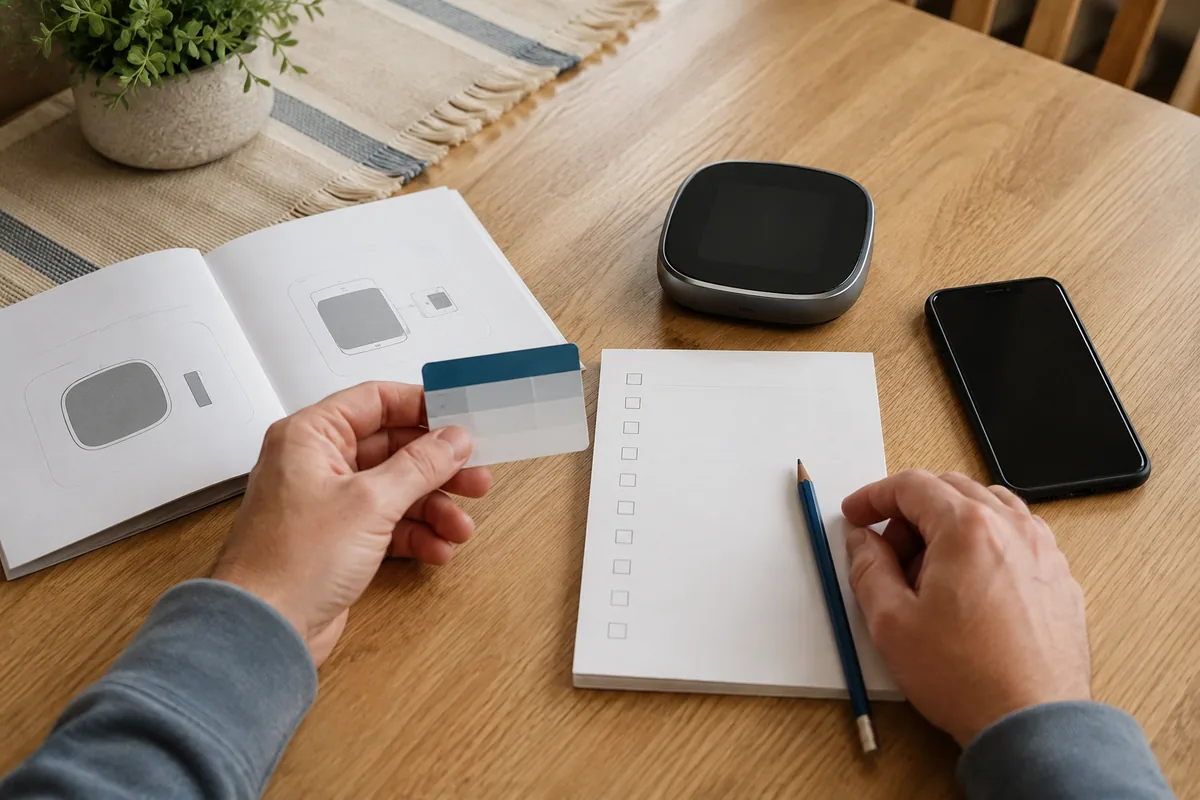
Use the Four-Gate Fit Test
A product must pass every gate; failure at either of the first two should remove it from the shortlist.
Gate 1: Equipment compatibility
Confirm the equipment type, zones, stages, hot-water control where applicable, and proprietary communication. Save the manufacturer-checker result or obtain installer confirmation for the exact thermostat model.
Gate 2: Power and installation path
Determine whether the location provides the required power and conductors and whether an approved adapter, receiver, or new cable is needed. Budget for professional installation when rules, complexity, or experience make DIY inappropriate. Never treat wire color as proof of function.
Gate 3: Household control
Can everyone make a basic wall adjustment, read the display, and understand when an override ends? The strongest control scheme is one the whole household understands.
For remote sensors, verify whether they influence control or merely report temperature and whether rooms can be prioritized by time.
Gate 4: Software, privacy, and support
Check account requirements, supported platforms, updates, data deletion, and outage behavior. NIST recommends planning before purchase, enabling multi-factor authentication, avoiding password reuse, reviewing privacy settings, and using automatic updates (NIST).
Confirm in the documentation that essential wall control remains available when the internet or cloud service is unavailable.
Match Features to the Way the Home Is Used
Once the product passes the four gates, features can be ranked by actual use.
Scheduling versus learning
A schedule-first thermostat suits repeatable routines and explicit control. A learning model suits households willing to let automation infer patterns. The better choice is the one occupants will maintain or trust.
Presence and geofencing
Phone-based geofencing needs permissions and careful multi-user setup. Look for household-level presence rules and a way to disable location tracking.
Remote room sensors and zoning
A remote sensor can prioritize a bedroom or home office, but it cannot create independent zones unless the system can direct output separately.
Energy reports and utility programs
Reports matter when they prompt a schedule change or reveal unusually long run time. Check whether they require payment. Utility programs may add value, but read local terms before allowing temporary temperature adjustments.
What Energy Savings Can You Reasonably Expect?
Smart thermostats make setbacks, scheduling, and occupancy responses easier to maintain. They do not repair poor insulation, leaking ducts, or inefficient equipment.
In the United States, ENERGY STAR says certified smart thermostats demonstrate savings through field data and estimates average savings of about 8% of heating and cooling bills, while emphasizing that climate, comfort preferences, occupancy, and equipment affect the result (ENERGY STAR). That is a US program result, not a universal promise.
Natural Resources Canada also describes ENERGY STAR-certified models as independently certified using field data (Natural Resources Canada). Australian guidance recommends checking appliance compatibility and local support before purchase (energy.gov.au).
Someone already using a disciplined schedule may see less change than someone who often conditions an empty home. Evaluate comfort and convenience alongside energy use.
Which Features Are Usually Worth Paying For?
Prioritize features in this order:
- Verified system compatibility: without it, every other feature is irrelevant.
- Dependable wall controls: essential functions should not require a phone.
- Scheduling that fits the household: simple and maintained beats sophisticated and ignored.
- Remote sensors when the thermostat location is misleading: especially for bedrooms or a home office.
- Clear reports: only if the household will use them to adjust behavior.
- Published security updates and privacy controls: the thermostat may remain installed for years.
- Smart-home integration: useful after heating and cooling control is correct.
Voice control, animated displays, weather screens, and elaborate automation can be pleasant, but they should not outrank compatibility, resilience, or support. For the wider purchase order, see the site’s guide to smart home devices worth buying first.
A Privacy and Reliability Check Before Checkout
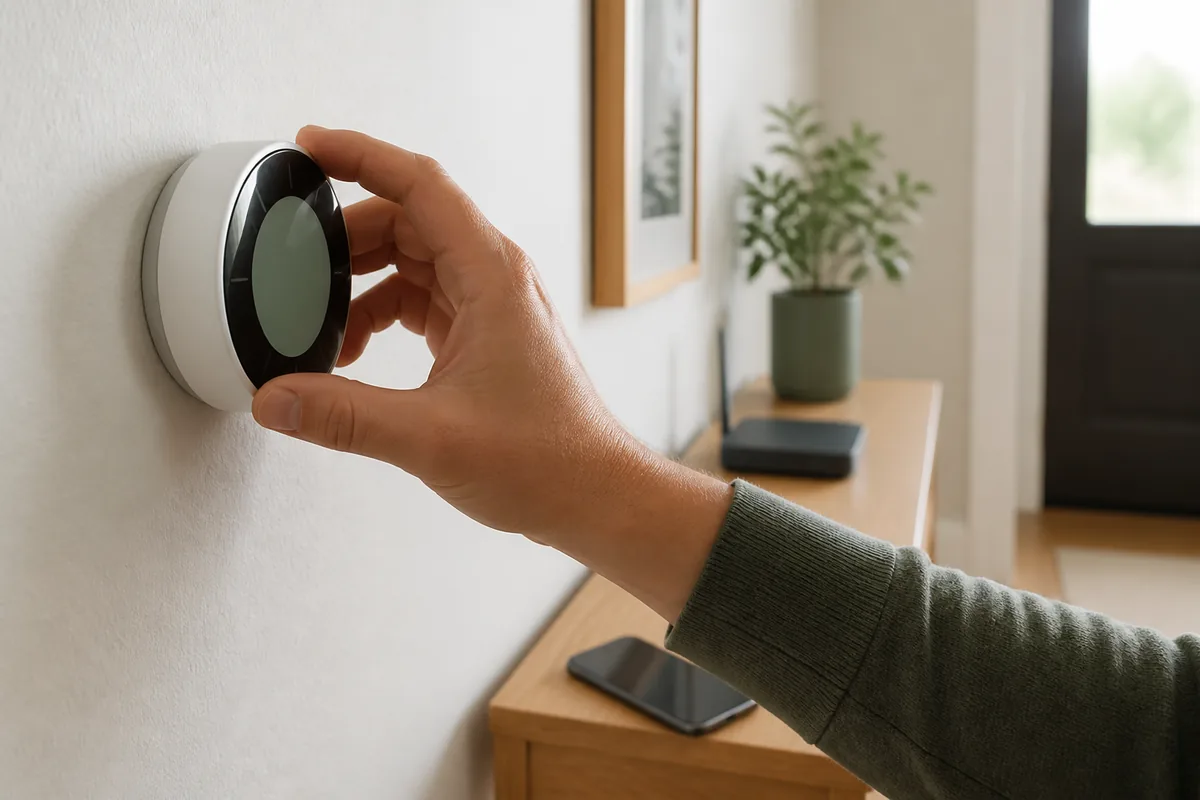
Read the privacy notice and support policy before installation. Confirm:
- whether an account is mandatory for basic control;
- what occupancy, location, equipment, and usage data are collected;
- whether optional data sharing and location features can be disabled;
- whether multi-factor authentication is available;
- how household members receive separate access;
- how long security updates are promised;
- how to export or delete account data;
- what works locally during an outage;
- how to remove the thermostat and transfer or reset the account when moving.
In the UK, the consumer connectable product security regime came into effect on April 29, 2024, with requirements that include password, vulnerability-reporting, and security-update transparency controls for covered products. Buyers elsewhere can still use update-period and vulnerability-contact disclosures as comparison criteria (GOV.UK).
Use a 30-Day Success Scorecard
During the return period, assess the thermostat for 30 days without treating one bill as proof of savings.
| Test area | A useful result | Warning sign |
|---|---|---|
| Comfort | Main occupied rooms reach reasonable temperatures at the right times | Frequent manual correction or new hot/cold complaints |
| Control | Everyone can adjust the system and understand the override | Only one person can operate it confidently |
| Automation | Away or sleep settings trigger as intended | Presence rules misread occupants |
| Reliability | Wall control works and reconnects predictably | Cloud or Wi-Fi interruptions block essential control |
| Insight | Reports reveal an actionable pattern | Charts are interesting but change no decision |
| Privacy | Permissions match household expectations | Required access or data collection feels disproportionate |
Compare similar weather periods where possible and note occupancy changes. Reduced effort and fewer empty-home run hours may show value before billing data is conclusive.
Common Buying Mistakes
- Choosing the ecosystem first: voice-assistant support cannot fix HVAC incompatibility.
- Assuming a remote sensor creates zoning: zoning requires compatible control hardware, not just another temperature reading.
- Ignoring other residents: geofencing and learning features fail when only one person’s routine is represented.
- Counting a rebate before checking eligibility: programs, approved models, and enrollment terms vary by location and date.
- Treating installation as an afterthought: an adapter, receiver, cable, or professional visit can change total cost.
- Buying for a savings percentage: certified averages and marketing estimates do not predict one household’s result.
- Forgetting the exit path: account deletion, factory reset, and owner transfer matter when the home or device changes hands.
More planning, privacy, and setup guidance is available in the Smart Home Technology section.
FAQ
Is a smart thermostat worth it for every home?
No. It is most useful when scheduling, remote control, occupancy response, or room sensing solves a real problem. If the current programmable thermostat is used consistently, the equipment is incompatible, or the household will not use connected features, a simpler control may be the better value.
Do all smart thermostats need a special power wire?
Requirements vary by model and heating or cooling system. Some products need continuous power, some include an approved adapter or receiver, and others use a different control architecture. Check the exact model’s current compatibility documentation and use a qualified installer when the existing setup is unclear.
Can a smart thermostat work without Wi-Fi?
Many retain basic wall control, but remote access, weather data, reports, alerts, and some automation may stop. Offline behavior is product-specific, so verify which functions remain available and whether schedules are stored locally.
Should I choose a thermostat with Matter support?
Matter or another ecosystem standard can simplify smart-home integration, but it does not prove compatibility with the heating or cooling equipment. Treat platform support as a later filter after equipment, power, installation, and essential control have been confirmed.
Conclusion
The best smart thermostat for a home is the one that fits the equipment and the people before it fits an app ecosystem. Verify compatibility, plan a safe installation, choose a control style the household will maintain, and examine offline behavior, privacy, and software support.
Then use a short real-world scorecard to judge comfort, reliability, and useful automation. A modest thermostat that passes all four gates is a better purchase than a feature-rich model that creates installation risk, household confusion, or long-term dependence on an unsupported service.
Sources
- ENERGY STAR. “Smart Thermostats FAQs for EEPS.” Accessed September 4, 2026.
- Energy Saving Trust. “Heating controls.” Accessed September 4, 2026.
- Australian Government. “Smart homes.” Accessed September 4, 2026.
- Natural Resources Canada. “Smart Thermostats.” Modified March 19, 2025.
- National Institute of Standards and Technology. “7 Tips to Keep Your Smart Home Safer and More Private.” April 2, 2025.
- UK Government. “Secure by design.” Updated December 5, 2024.