
Choosing between Zigbee vs Wi-Fi is easier when you stop looking for one protocol to run the entire home. Wi-Fi is often the practical choice for high-data devices and products that connect directly to a router. Zigbee and Z-Wave are designed around low-power mesh networks, which can suit sensors, switches, locks, and other small devices that send modest amounts of data.
Ask which network role each device needs and what must still work when the internet, app, or hub is unavailable. One controller and clear naming can keep a mixed-protocol home understandable.
Quick answer: Choose Wi-Fi for bandwidth-heavy or mains-powered devices that benefit from a direct IP connection. Choose Zigbee or Z-Wave for low-power accessories when a compatible hub gives you useful local control and reliable mesh coverage. Always verify the exact product, controller, region, and supported features before buying.
Start With the Device Job, Not a Favorite Protocol
Protocol labels describe communication; they do not guarantee a good product, secure account, useful automation, or long-term support. Devices using the same radio can behave differently during an internet outage or expose different features. Certification matters, but the controller must still support the region and device type.
Begin with four questions:
- How much data does the device send? Video and audio need far more capacity than a door sensor or button.
- Where does it get power? A permanently powered device has different constraints from a small battery sensor.
- What must work locally? A wall switch, lock, alarm, or leak alert should not become useless because a remote service is unavailable.
- What infrastructure already exists? Count the hub, controller, router, apps, and platform integrations—not just the device.
If you are still deciding what to automate first, the site’s guide to the best smart home devices helps rank purchases by household outcome rather than novelty.
A Three-Layer Plan for the Smart Home
Think of the system as three layers instead of one flat collection of gadgets.
Layer 1: the IP network. Wi-Fi and Ethernet carry traffic for cameras, speakers, displays, and hubs. Router placement, updates, passwords, and segmentation matter here.
Layer 2: the low-power device network. Zigbee or Z-Wave can connect sensors, buttons, plugs, switches, shades, and locks through a compatible coordinator or controller. Permanently powered mesh devices may help relay traffic; battery endpoints generally conserve energy rather than acting as repeaters.
Layer 3: control and automation. The app, hub, platform, or local server manages rooms, routines, permissions, and status. It determines whether functions continue locally and which features appear across brands.
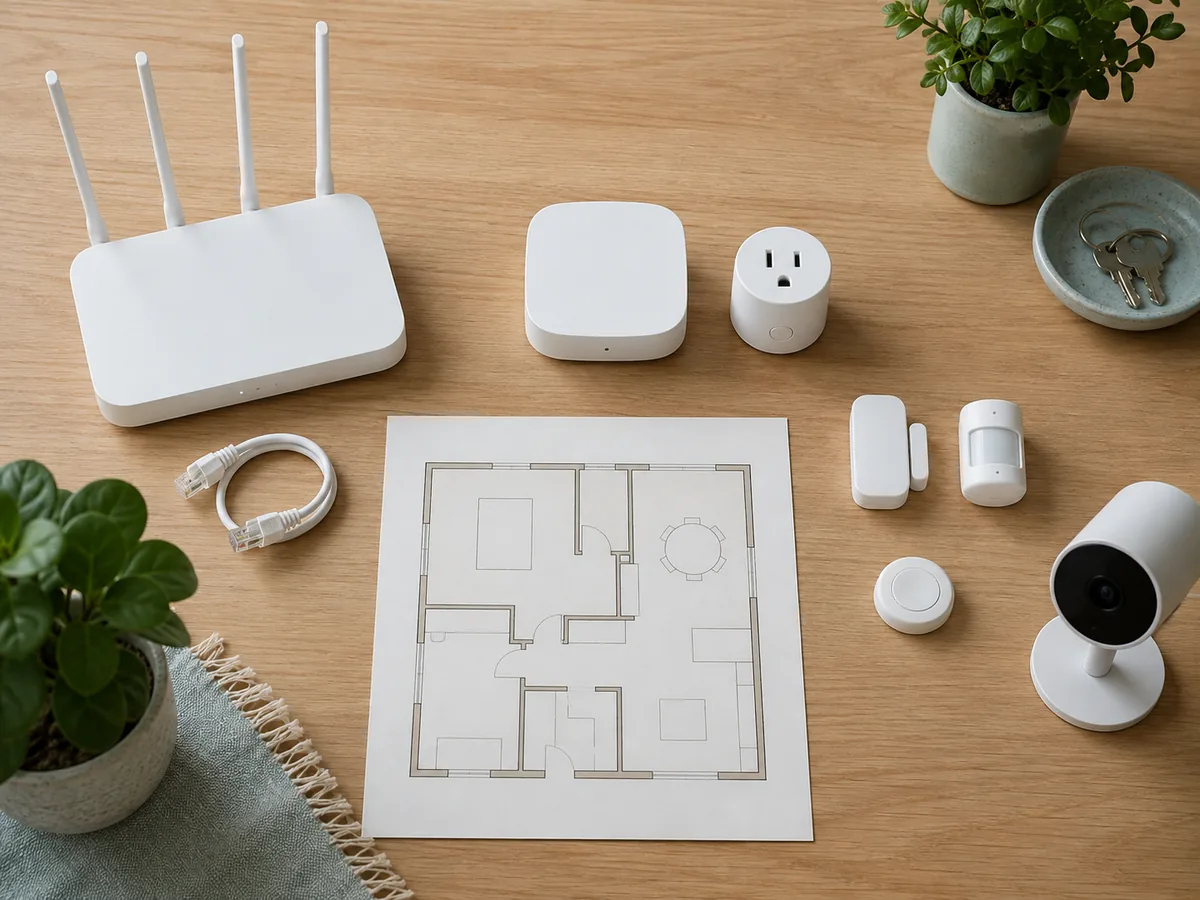
Mixing protocols is normal: a Wi-Fi camera, Zigbee sensor, and Z-Wave lock can appear in one automation platform. The goal is coherent control, not radio uniformity.
Zigbee vs Wi-Fi vs Z-Wave at a Glance
| Decision factor | Wi-Fi | Zigbee | Z-Wave |
|---|---|---|---|
| Typical smart-home role | Cameras, speakers, appliances, hubs, and direct-to-router products | Sensors, lights, switches, buttons, plugs, shades, and some locks | Sensors, switches, plugs, locks, thermostats, shades, and other automation devices |
| Network shape | Usually connects to an access point or mesh Wi-Fi system | Low-power mesh with a coordinator | Low-power mesh with a controller |
| Extra hardware | Often no separate device hub, though the router remains essential | Usually needs a compatible hub or coordinator | Usually needs a compatible Z-Wave controller |
| Power fit | Common for mains-powered and higher-data devices | Strong fit for small, low-data, battery-powered devices | Strong fit for small, low-data, battery-powered devices |
| Buying concern | Router load, signal at final position, cloud dependency, update policy | Hub compatibility, device profile, mesh placement, supported features | Regional version, controller support, certification, mesh placement |
| Best reason to choose it | Direct IP connectivity or higher data needs | Broad low-power automation ecosystem and mesh design | Certified, region-specific low-power automation ecosystem |
These are useful tendencies, not promises. Product design, antenna placement, building materials, firmware, and controller software can matter as much as the radio label.
When Wi-Fi Is the Better Tool
Wi-Fi makes sense when a device sends substantial data or already has continuous power. Security cameras and video doorbells are the obvious examples. Speakers, displays, robot vacuums, appliances, and some thermostats also connect directly to the home network because setup is familiar and an extra radio hub may be unnecessary.
Every direct Wi-Fi product becomes another router client and may depend on the vendor’s cloud. Wi-Fi itself does not require cloud control; the manufacturer chooses where commands, recordings, or automations are processed. Check local controls, outage behavior, storage, and account requirements.
Test Wi-Fi at the final position, especially outdoors or through dense walls. For video-specific power, storage, and subscription questions, use this affordable security camera checklist.
When Zigbee Is the Better Tool
Zigbee is a low-power, self-organizing mesh. It can suit contact, motion, and leak sensors, buttons, bulbs, and other accessories that exchange small messages. The Connectivity Standards Alliance maintains Zigbee certification programs intended to support interoperability.
A Zigbee installation begins with a compatible coordinator or hub. A device may join yet expose only basic controls, or require the manufacturer’s bridge for updates and advanced settings. Look for certification and check the controller’s current compatibility list.
Mesh quality grows from sensible placement, not from buying a large pile of battery sensors. Powered Zigbee routers—often plugs, in-wall switches, or bulbs, depending on the product—can relay messages. Battery devices commonly sleep to conserve energy. Build the powered backbone first, then place endpoints where they are useful.
When Z-Wave Is the Better Tool
Z-Wave is a low-power mesh with an emphasis on certification and backward compatibility. It appears in locks, switches, sensors, thermostats, plugs, and security systems. Its sub-GHz operation can reduce direct competition with busy 2.4 GHz networks, but placement and building materials still matter.
Region is the important buying check. Z-Wave products operate under regional radio requirements, and the Z-Wave Alliance states that devices should be designed and certified for the same region. Do not import a discounted device until you confirm that its frequency region, certification, and command classes match the controller and local rules.
A compatible controller is part of the real cost. Ask whether it supports the device category, security level, configuration, inclusion method, and firmware maintenance you need. Certification does not guarantee identical features in every app.
Coverage Is a Layout Problem
Marketing ranges are poor planning tools. Masonry, metal, mirrors, floors, neighboring networks, and placement affect performance. A mesh also needs suitable powered relays between the controller and distant endpoints.
Use this simple sequence:
- Place the router and protocol controller in open, central, practical locations—not inside metal cabinets or beside obvious interference sources.
- Add reliable powered devices along the path to distant rooms before installing battery endpoints at the edge.
- Pair or include devices according to the controller manufacturer’s instructions, then test them at their final positions.
- Test with doors closed and normal appliances running, not only in a quiet room.
- Rebuild or heal the mesh only when the system documentation calls for it.
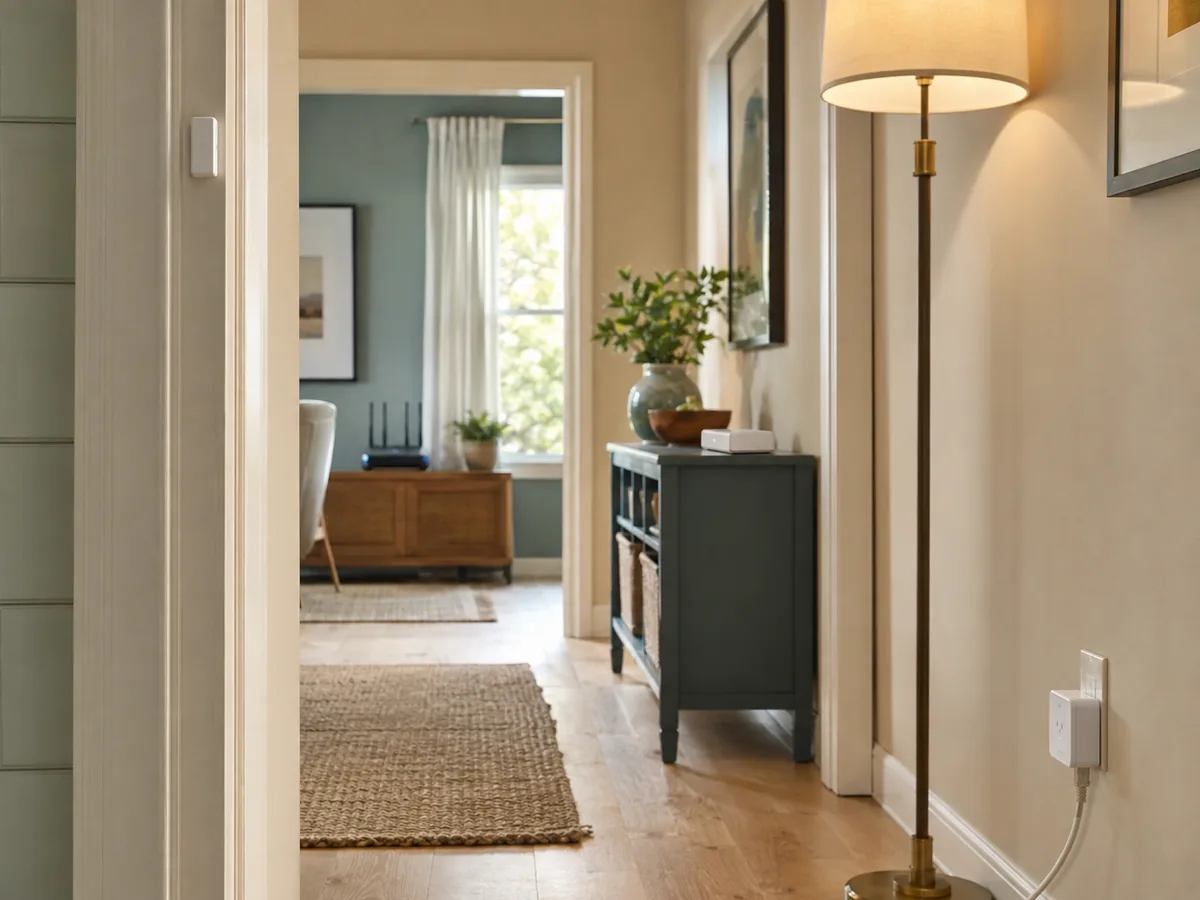
Do not assume that adding any powered product will extend the right network. A Wi-Fi plug does not repeat Zigbee, and a Zigbee bulb does not extend Z-Wave. Even within one protocol, confirm the device’s repeater role.
Choose by Device Type
| Device job | Sensible first option | Why | Verify before purchase |
|---|---|---|---|
| Video camera or doorbell | Wi-Fi or Ethernet | Video needs bandwidth and continuous connectivity | Signal, power, recording, cloud dependency, privacy controls |
| Door, motion, or leak sensor | Zigbee or Z-Wave | Small messages and battery operation suit low-power mesh | Hub support, alert path, battery reporting, local automation |
| Smart plug or in-wall switch | Any of the three | Power is available; choice depends on control system and mesh needs | Electrical rating, local control, repeater behavior, jurisdiction |
| Smart lock | Zigbee or Z-Wave; sometimes Wi-Fi through a bridge | Low-power mesh can support battery operation | Region, hub, backup entry, battery warning, credential management |
| Speaker or display | Wi-Fi | Audio, services, and IP connectivity are central | Account privacy, microphones, outage behavior, update support |
| Bulbs and lighting groups | Zigbee often scales neatly; Wi-Fi can suit a few devices | Group control and powered mesh can be useful | Wall-switch behavior, hub, scenes, firmware path |
| Thermostat | Choose by HVAC compatibility first | The heating system matters more than the radio | Wiring, equipment type, local control, regional certification |
This is a starting point. A small flat may manage a few bulbs on Wi-Fi; a larger home with many sensors may benefit from low-power mesh. Complexity should follow a real need.
The 15-Minute Pre-Purchase Audit
Before adding any device, write down the answers to these questions:
- Job: What repeated task, warning, or control will this device provide?
- Network: Which protocol does the exact model use, and what controller is required?
- Compatibility: Is the model listed by the platform or hub—not merely described as “compatible” by a retailer?
- Local behavior: What still works when the internet is unavailable?
- Manual fallback: Can someone operate the light, lock, thermostat, or shade without an app?
- Placement: Is power available, and has signal been tested where the device will live?
- Security: Are automatic updates, unique credentials, and multi-factor authentication available where relevant?
- Support: Does the manufacturer publish a support period, privacy policy, and reset process?
- Exit plan: Can you remove the device, delete its data, and replace the hub without rebuilding everything at once?
NIST recommends planning security before purchase, using multi-factor authentication and unique passwords, enabling updates, disabling unused features, and considering a separate smart-device network. These checks apply to every protocol.
Common Comparison Mistakes
Picking one protocol for every device. A low-power mesh does not need to carry video, and a Wi-Fi camera does not mean every sensor should join the router.
Confusing Wi-Fi with cloud control. Network transport and service architecture are separate. Read what the product processes locally and remotely.
Assuming the logo guarantees every feature. Certification matters, but controller interfaces and advanced functions vary.
Ignoring Z-Wave regions. A product built for another market may be unsuitable even when the brand and model family look familiar.
Building the mesh from battery devices. Low-power endpoints usually conserve energy. Plan compatible powered relay devices where the network needs them.
Forgetting the controller as a failure point. Back up its configuration and document device names.
FAQ
Is Zigbee better than Wi-Fi for smart homes?
Zigbee is often better for numerous low-data, battery-powered sensors and controls. Wi-Fi is often better for cameras, speakers, and devices that need direct IP connectivity or higher bandwidth. Neither is universally better; many homes benefit from both.
Which is better: Z-Wave vs Zigbee vs Wi-Fi?
Choose by role. Wi-Fi is the natural starting point for video and high-data products. Zigbee and Z-Wave suit low-power mesh automation. Between Zigbee and Z-Wave, compare the products available in your region, controller support, certification, device categories, and the mesh you already own.
Do Zigbee and Z-Wave work without the internet?
The radio networks can operate locally, but real product behavior depends on the hub, app, automation platform, and account design. Confirm whether schedules, switches, alerts, remote access, and voice control continue separately during an outage.
Do I need a hub for Zigbee or Z-Wave?
Usually yes. Zigbee needs a compatible coordinator, and Z-Wave needs a compatible controller. That function may be built into a multiprotocol hub, security panel, speaker, or other platform device, so check the exact model rather than assuming a separate box is always required.
Is Matter the same as Zigbee or Z-Wave?
No. Matter is an application-layer interoperability standard, while Zigbee and Z-Wave are connectivity technologies with their own network designs. Matter devices currently use supported IP transports such as Wi-Fi, Ethernet, or Thread. A Matter logo does not turn a Zigbee or Z-Wave device into the same radio network.
Conclusion
The practical answer to Zigbee vs Wi-Fi—or Z-Wave vs Zigbee vs Wi-Fi—is a role-based mix. Give high-data devices a reliable IP path. Give small sensors and controls an appropriate low-power mesh. Then use one understandable control layer, local fallbacks, strong account security, and documented maintenance to make the whole system feel consistent.
Define the job, verify the controller and region, and test the intended location before buying. Browse the site’s broader Smart Home Technology guides for device-specific planning.
Sources
- Connectivity Standards Alliance. Zigbee and Zigbee FAQ.
- Z-Wave Alliance. Interoperability and Development and Certification Process Overview.
- National Institute of Standards and Technology. 7 Tips to Keep Your Smart Home Safer and More Private, April 2, 2025.
- National Institute of Standards and Technology. Recommended Cybersecurity Requirements for Consumer-Grade Router Products, September 10, 2024.