
Lights switching off while you read are often a mismatch between the automation task and its input. In a motion sensor vs presence sensor comparison, the important distinction is detecting movement now versus maintaining a useful estimate that a space remains occupied. Neither label guarantees a particular sensing technology or perfect detection.
Choose movement detection for a passing person. For seated activity, investigate verified small-movement detection and occupancy behavior. A combination can help when entering quickly and keeping lights on are separate requirements. This guide compares mechanisms and design choices—not laboratory-tested winners or universal detection distances.
Three Layers That Product Names Can Hide
Keep three questions separate:
- Product label: Is it sold as a motion, presence, occupancy or multi-sensor device?
- Sensing technology: Does it use passive infrared (PIR), radar, ultrasound, another input, or a combination?
- Automation task: Must it notice entry, maintain room occupancy, identify a zone, or support an alert?
A device called an occupancy sensor may use PIR and a timer. A radar device may report both motion and occupancy. “Multi-sensor” may simply mean motion plus temperature or brightness; it does not necessarily mean those readings are fused to identify people.
Labels also change at the platform boundary. Home Assistant’s official documentation defines motion as movement detected, occupancy as a room or area occupied, and its presence binary-sensor class as someone home or away. Those interface categories are not a hardware specification. Renaming an entity does not improve its physical detection. Home Assistant binary sensor documentation.
Whole-home location is another input: a phone being home does not establish which room its owner occupies.
How the Detection Technologies Differ
PIR: changes in infrared energy
A PIR detector passively senses changes in infrared energy as a warm target moves relative to the background and across its lens’s detection zones. It does not emit a scanning beam. Its view must reach the target; a wall or furniture can block the relevant path.
PIR is useful for walking and other sufficiently visible movement, but a quiet reader can stop producing enough change to retrigger it. A longer timer can keep the light on; that is an assumption about continued occupancy, not new evidence of a stationary person. Leviton’s technical FAQ explains this “false off” problem and why coverage depends on the lens and distance. Leviton sensing explanations.
mmWave radar: reflections and fine movement
Radar transmits radio energy and processes returning reflections. With suitable hardware and algorithms, a presence product can use small movements—including breathing-related motion—to maintain occupancy when someone appears still. Range, angle, tracking and zones depend on the implementation.
“Static occupancy detection” is convenient shorthand, not a guarantee that the sensor detects a completely motionless person in every posture, behind every obstruction. Texas Instruments demonstrated walking, typing and breathing detection with an evaluation module configured for a low-motion conference-room scene. The experiment illustrates capability under stated conditions; it does not establish the performance of every retail radar sensor. TI’s reported experiment.
Higher sensitivity is not automatically higher reliability. A detector that retains a quiet occupant but also retains a moving curtain solves one problem and creates another.
Ultrasonic: changes in reflected sound
Ultrasonic occupancy sensing sends high-frequency sound and examines changes in returning signals using the Doppler effect. Reflections can help detect movement around some room obstructions, unlike PIR’s direct viewing requirement. It is still movement-based sensing, not proof of perfectly motionless human presence.
Leviton notes that airflow or vibrations can cause nuisance switching. This technology is worth understanding in building-control products, but buyers must also check whether a particular unit exposes useful data to their smart-home system. A lighting-control sensor is not automatically a Home Assistant device. Leviton ultrasonic FAQ.
Fusion: more inputs, with a defined rule
A combined design may use one channel to establish occupancy and another to maintain it. Leviton describes a PIR-plus-ultrasonic approach in which PIR turns lighting on and ultrasound helps hold it on. Other products use different combinations and algorithms; “dual technology” is not one universal decision rule.
Check which inputs establish presence, which clear it, and whether the platform receives separate readings or only a combined result. More sensors can improve evidence, but they also introduce configuration and dependency questions.
Motion Sensor vs Presence Sensor: A Task-Based Comparison
This table is a selection framework, not measured product rankings. Installation notes and limitations belong to the technology family; verify them against the exact manual.
| Technology | Detection capability | Suitable task | Placement check | Known limitation |
|---|---|---|---|---|
| PIR | Moving warm targets; small movement depends on coverage | Hallway entry and brief activity | Clear view of the route and occupied position | Quiet occupants may stop retriggering |
| mmWave presence radar | Movement and, in supported modes, fine-motion occupancy | Seated lighting or desk/sofa zones | Aim at occupied positions; check boundaries and interference | Reflections and non-human movement can confuse inference |
| Ultrasonic occupancy | Motion inferred from reflected sound changes | Room lighting where direct views are obstructed | Follow room-geometry and airflow guidance | Nuisance switching; no universal stationary-person guarantee |
| Verified fused sensing | Combined evidence according to the manufacturer’s algorithm | Entry plus sustained occupancy | Check coverage for every contributing channel | Fusion logic and exposed outputs vary |
Basis: Leviton’s technology explanations and TI’s scoped radar experiment above. Task recommendations are editorial inferences, not independent performance tests.
Response Speed and Timeouts Are Different Questions
Measure at least three behaviors: first detection, reporting to the platform, and clearing occupancy. A quick sensor can still produce a slow light if its integration or action path adds delay. A sensor that remains occupied after departure may be following its timeout rather than reacting slowly.
A detection interval or cooldown determines when another detection can be reported. An occupancy timeout determines how long a state remains active after qualifying evidence stops. Your automation may add another delay before switching off. These controls are not interchangeable, and their names vary by manufacturer.
There is no single best timeout. A walk-through cupboard and a quiet bathroom visit have different tolerance for darkness and wasted lighting. Test quiet activity as well as arrival; then tune the complete sensor-to-light chain. Avoid shortening every timer simultaneously, because you will lose track of which layer caused the failure.
Match the Sensor to the Room’s Real Job
Hallways and bathrooms
For hallway lighting, movement detection with a clear view of the walking route is often enough. Add brightness or time conditions where useful. Maintain manual control and do not depend on one sensor for essential illumination.
Bathroom occupancy has a different failure: someone may remain seated or stand quietly behind a partition. Consider verified fine-motion coverage of the actual occupied area, a more forgiving timeout, or combined inputs. Check the exact environmental rating and mounting guidance; avoid assuming a sensor or its power supply is suitable near water.
Living rooms and workspaces
For a living room, presence retention matters when reading or watching television. Zone-capable sensing may distinguish the sofa from a walkway, provided the model and integration expose those zones. Test two occupants: one leaving should not clear the person still seated.
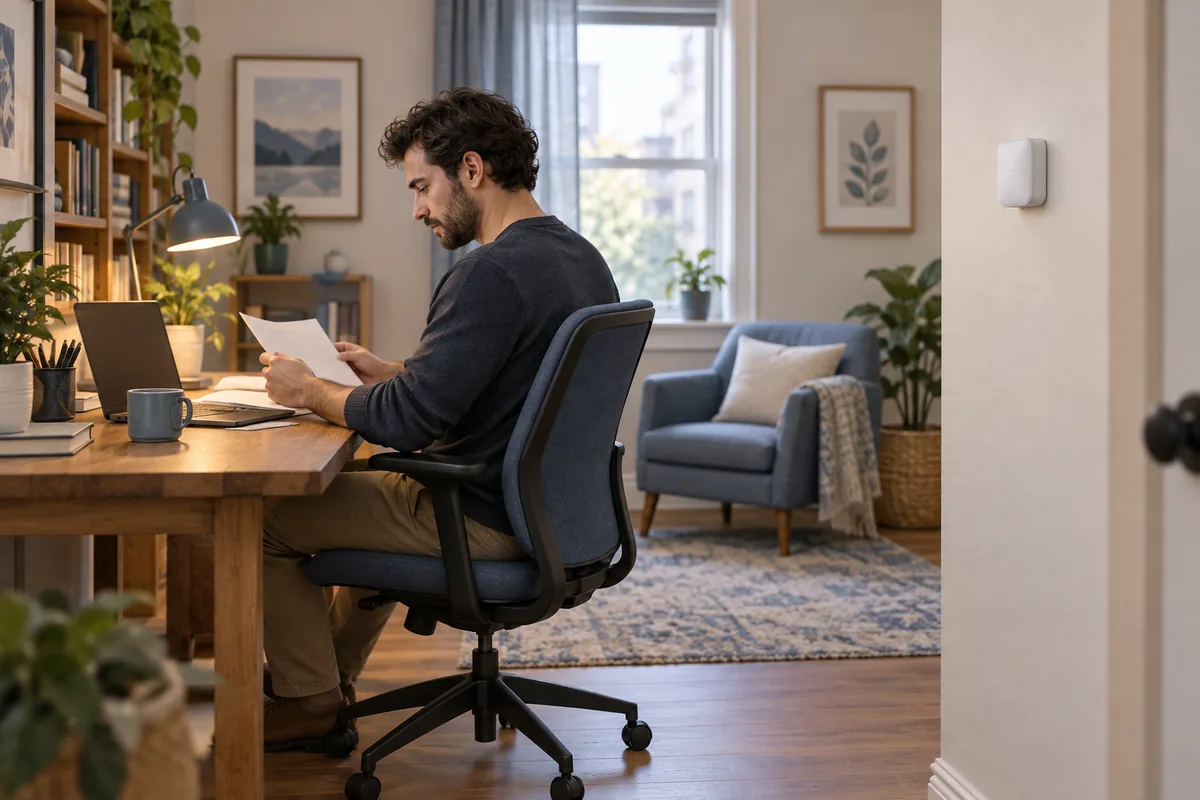
For desk automation, target the chair and working posture rather than the doorway alone. Start with a reversible action such as a task light. Do not cut power to a computer merely because a sensor reports absence. Validate quiet typing, leaning back and temporarily leaving the desk before expanding the rule.
Bedrooms, security and HVAC
Bedroom lighting may need movement without room-wide presence: a sleeping partner should not cause the main light to turn on. Use night-mode conditions, restricted path lighting or manual activation. Detecting a person in bed and detecting someone getting up are different jobs.
For security alerts, distinguish “activity detected” from “intruder confirmed.” Pets, permitted household members and detection errors can all complicate that conclusion. Consumer occupancy sensing is not an automatic replacement for an appropriately designed alarm system. Do not use a single unverified reading to unlock a door or disarm protection.
For HVAC occupancy control, treat presence as one comfort input, not permission to bypass thermostat safeguards. Prefer supported, reversible presets, conservative absence logic and manual adjustment. Sensor failure should not force unsafe temperature conditions. This article does not provide heating wiring or safety-system instructions.
What Official Product Pages Actually Establish
Two examples show why specifications need scope. They are illustrations, not endorsements or a comprehensive shortlist. Documentation was checked on October 14, 2026.
Aqara Motion and Light Sensor P2: the official page identifies native Matter over Thread, batteries and separate light sensing. Its product comparison identifies PIR sensing. The page also warns that functions vary across ecosystems and that some configuration requires Aqara Home with Hub M3. Its pet FAQ says pets can trigger it and points to model-specific placement guidance—not universal pet immunity. P2 product documentation, Aqara’s technology comparison.
Aqara Presence Sensor FP2: the official page documents mmWave radar, Wi-Fi, constant power through USB-C and configurable zones. Its accuracy FAQ specifically discusses interference, false detections, ghosting, placement and sensitivity. That is a reason to qualify broad marketing claims about accuracy, not repeat “no false positives” as a guarantee. FP2 product documentation and FAQ.
The verified facts here are published design and feature statements. Whether either product detects your quietest posture from your chosen position is conditional. Comparative real-world accuracy and response time in your home remain unknown until tested. No manufacturer maximum distance should become a guaranteed room-coverage figure.
Placement, False Triggers, Power and Privacy
Start with a clear view of the intended activity area. For PIR, inspect obstruction and lens coverage. For radar, inspect room edges, nearby moving objects and reflective surfaces. Aqara’s FP2 FAQ specifically lists glass, mirrors, metal, water, air conditioners, fans and moving curtains as potential interference sources. That warning is model-specific; it is not proof that every radar fails around each item.
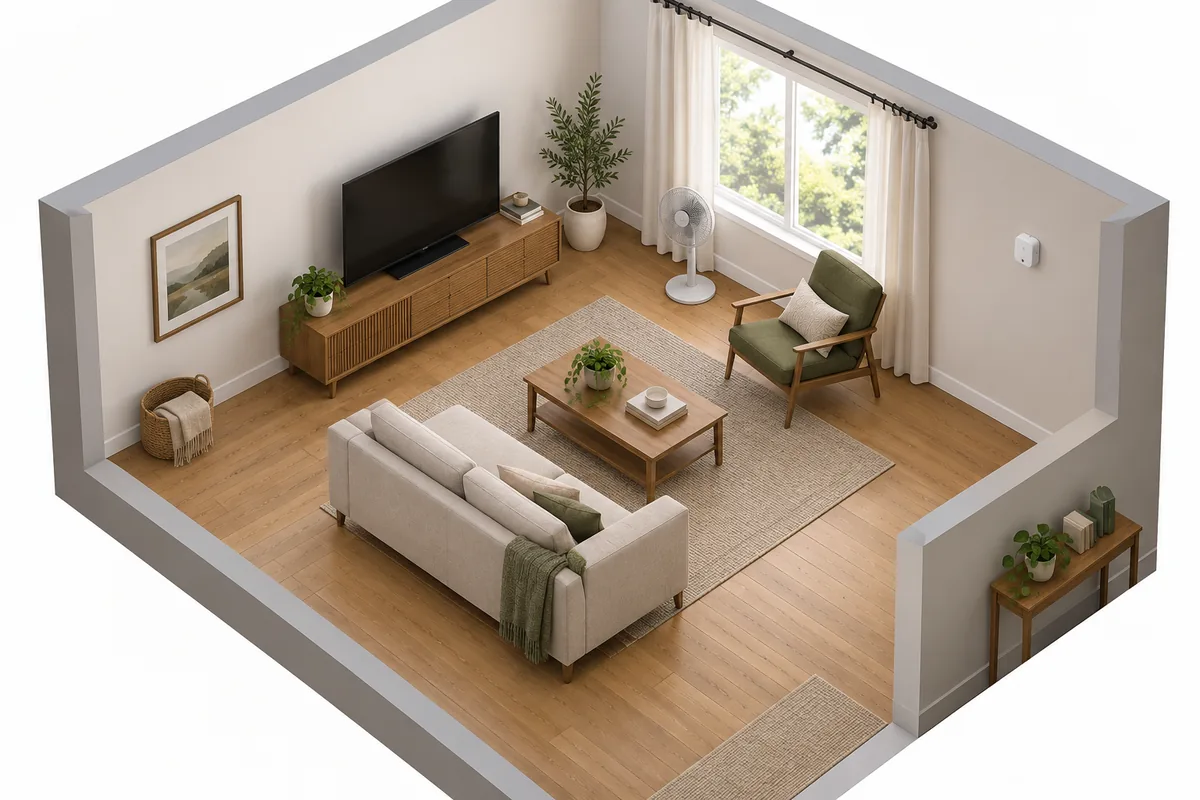
Do not buy on a generic “sees through walls” promise. Radio transmission to a hub and radar detection of a person are separate paths. Wall materials, frequency, antenna design and processing change the result. Require exact-model documentation, and test whether activity outside the intended room creates false occupancy. Adjustable detection zones can help only if the product supports them and boundaries work in practice.
Treat pets as a test case, not a checkbox. Sensitivity reduction can suppress unwanted triggers while also missing a quiet person. Test the intended seating positions after making changes.
Power also varies. Battery PIR products can offer flexible placement; many continuously sensing radar products need wired power. But these are design tendencies, not definitions. Read the exact power specification and consider cable routing, battery replacement and recovery after an outage.
Camera-free detection avoids collecting conventional room video, but occupancy timestamps and zone history can still reveal routines. Check storage, accounts, cloud processing, remote access and household consent. “Local” needs verification across the integration and automation path, not just the sensor. Use the site’s smart-home privacy guide to audit that data path.
Check the Platform Before Buying
PIR, radar and ultrasound are sensing methods. Zigbee, Thread and Wi-Fi carry device communications; they do not define what the sensor can detect. Matter is an application-layer interoperability standard, while Home Assistant is a platform that consumes exposed states and runs rules. Home Assistant Matter documentation.
Check the exact integration’s available entities, zone outputs, sensitivity controls and update path. A basic occupied/not-occupied state may work while vendor-specific tracking or settings do not appear. Thread-based Matter devices need suitable Thread connectivity and a Matter controller; a Thread Border Router is not a universal requirement for every sensor. The site’s Matter device and bridge compatibility guide explains that infrastructure separately.
An offline entity is not evidence that a room is empty. Home Assistant explicitly distinguishes unknown and unavailable states from on and off. Design an appropriate fallback and retain a manual override. For the rule structure and conflict handling, continue with reliable Home Assistant automation design.
A Buying and Testing Framework You Can Reuse
- Define the task. Write the desired action and unacceptable failure: “keep the reading light on while someone sits,” not simply “detect presence.”
- Decide whether stillness matters. Passing traffic may need only motion; prolonged quiet activity needs better occupancy evidence or forgiving control logic.
- Verify capabilities. Match the exact model, firmware, sensing modes, mounting diagram, power supply and platform outputs. Mark missing information unknown.
- Evaluate the position. Check occupied postures, obstacles, pets, room boundaries and interference before permanent mounting.
- Test detection and clearing. Try entry, quiet activity, departure, two people, pets and empty-room operation. Log sensor state separately from the light action; change one setting at a time.
- Select the device or mode. Keep a simple motion solution when it passes. Add fine-motion sensing or combined evidence when a real failure justifies the extra cost and setup.
For a combined lighting design, use entry detection to request light, occupancy evidence to hold it, and a tested absence period to allow switching off. If the occupancy input becomes unavailable, do not silently interpret that as vacancy. This is a design pattern, not a universal ready-made automation.
The right purchase is the least complicated setup that reliably handles your room’s activity and failure cases. Prove that in one room before buying sensors for the whole home.
Sources
- Home Assistant — Binary sensor. Current documentation, checked October 14, 2026.
- Leviton — Occupancy Sensors and Vacancy Sensors, technical FAQs. Publication date not shown; checked October 14, 2026.
- Texas Instruments — Catch Your Breath: Which Is a Better Occupancy Detector—mmWave or PIR?. Manufacturer experiment; checked October 14, 2026. Evaluation-module results are not retail-product guarantees.
- Aqara — Motion and Light Sensor P2, Presence Sensor FP2 and sensor comparison. EU storefront documentation; features and support may vary by market, mode and firmware. Checked October 14, 2026.
- Home Assistant — Matter. Current documentation, checked October 14, 2026.